Raidable Bases
v1.0.0
.jpg) UnknownPlugins
|
UnknownPlugins
|
UnknownPlugins
|
Dec 22, 2025
Updated: Dec 22, 2025
Price
$14.99
# Raidable Bases
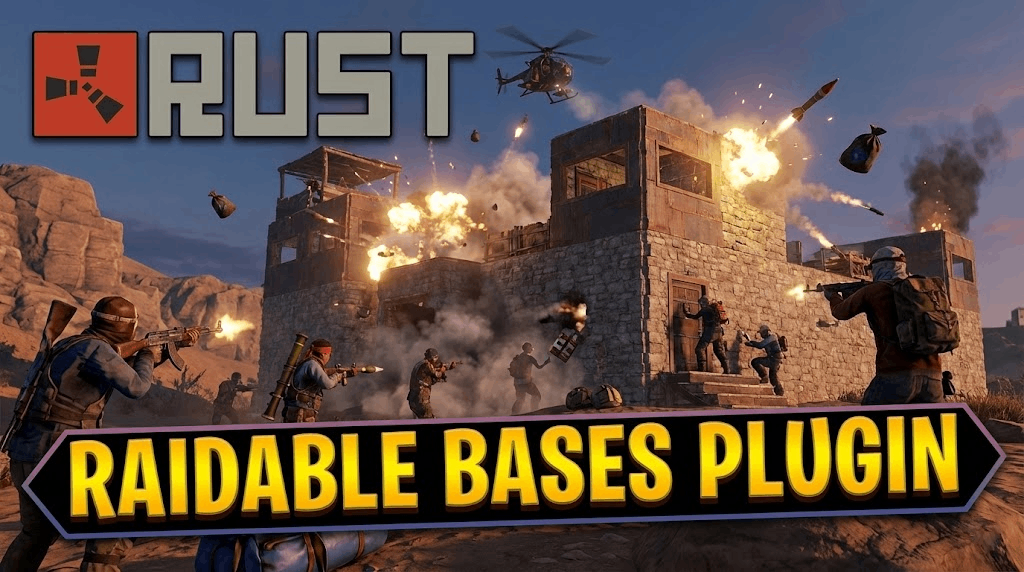
**Raidable Bases** is a comprehensive Rust plugin that allows server owners to create fully automated, NPC-defended raidable bases. It supports scheduled events, manual spawning, and purchasable raids, offering a wide range of difficulty levels and customization options.
## Features
- **Automated Events:** Supports Scheduled and Maintained event timers to keep raids active on the server.
- **Difficulty Tiers:** Pre-configured profiles for Easy, Medium, Hard, Expert, and Nightmare difficulties.
- **NPC Defense:** Spawns Scientists and Murderers with customizable loadouts, health, and accuracy settings.
- **Buyable Raids:** Players can purchase specific raids using Economics, Server Rewards, or custom items.
- **Grid System:** Automatically finds safe locations to spawn bases using a grid system to prevent overlapping.
- **Loot Management:** Fully configurable loot tables with support for difficulty-specific loot.
- **PVP/PVE Modes:** Configurable settings to enforce PVP or PVE rules within the raid zone, including PVP delays.
- **Map Markers:** Adds markers to the map indicating raid locations and difficulty.
---
## Dependencies
- **Required:** [CopyPaste](https://umod.org/plugins/copy-paste) (Version 4.2.0+)
- **Optional:** ZoneManager, Economics, ServerRewards, GUIAnnouncements, TruePVE, NTeleportation, etc.
---
## Permissions
This plugin generates various permissions based on configuration, but the core permissions include:
- `raidablebases.allow` - Allows admin-level control over the plugin.
- `raidablebases.buyraid` - Allows players to purchase raids.
- `raidablebases.buyraid.free` - Allows players to purchase raids for free.
- `raidablebases.buyraid.bypass.cooldown` - Allows players to bypass purchase cooldowns.
- `raidablebases.canbypass` - Bypass various checks like entry restrictions.
- `raidablebases.ladder.exclude` - Exclude player from ladder stats.
- `raidablebases.mapteleport` - Allows teleporting to raid markers.
---
## Commands
### Player Commands
- `/buyraid` - Opens the UI to purchase a raid (if enabled).
- `/raid` or `/rb` - Base command for checking ladder or active raids (configurable).
### Admin/Console Commands
- `rbe <args>` - Spawns a manual raid event at the position you are looking at.
- `rbevent <args>` - Console command to spawn random events.
- `rb.config add <ProfileName> <Mode> <FileName>` - Adds a new base to a specific profile.
- `rb.populate <all|Easy|Medium|...>` - Generates default loot tables for difficulties.
- `rb.reloadconfig` - Reloads the configuration.
- `rb.reloadprofiles` - Reloads base profiles.
- `rb.kill_cleanup` - Removes entities near a base location.
---
## Configuration
The plugin creates a `RaidableBases.json` in the `oxide/config` folder.
### Key Settings
- **Raid Management:** Controls spawn days, lockout timers, and player limits per difficulty.
- **Buyable Events:** Settings for cost, cooldowns, and limits for purchasable raids.
- **NPC Settings:** Configure health, kits, and spawn rates for defenders.
- **Loot:** Adjust loot multipliers and blacklist items.
### Profiles
Base settings are stored in `oxide/data/RaidableBases/Profiles`. Each difficulty (Easy, Medium, etc.) has its own file where you can:
- Enable/Disable the difficulty.
- Set PVP/PVE mode.
- Add CopyPaste filenames to the `Additional Bases` list.
---
## Setup Guide
1. **Install CopyPaste:** Ensure the CopyPaste plugin is installed on your server.
2. **Add Buildings:** Place your base builds (json files) into `oxide/data/copypaste`.
3. **Populate Loot:** Run `rb.populate all` in the server console to generate loot tables.
4. **Add Bases:** Use the config command to add a base to a profile:
`rb.config add "Easy Bases" Easy "MyBaseFile"`
5. **Reload:** Run `o.reload RaidableBases` to apply changes.
---
## Loot Tables
Loot tables are located in `oxide/data/RaidableBases/Difficulty_Loot` and `Base_Loot`. You can edit these files to customize the items dropped in raids.
## UI
The plugin includes a customizable UI for:
- **Buy Menu:** Displays available raids and costs.
- **Status:** Shows raid owner, loot remaining, and PVP/PVE status.
- **Timers:** Displays cooldowns and lockout timers.
You can adjust UI offsets and colors in the `UI Settings` section of the config.
No changelog provided.