Stackable Chests
v1.1.0
.jpg) UnknownPlugins
|
UnknownPlugins
|
UnknownPlugins
|
Dec 19, 2025
Updated: Dec 21, 2025
Price
$2.49
# Stackable Chests
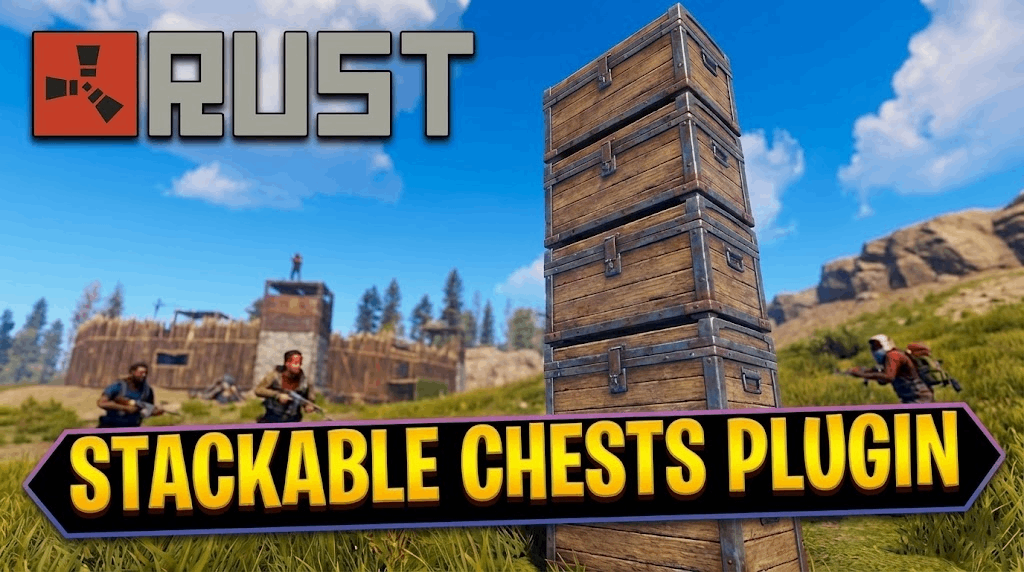
**Stackable Chests** is a major quality-of-life upgrade for any Rust server. It allows players to maximize their storage density by stacking chests vertically without needing shelves or building exploits.
Simply **Right-Click** to place a chest on top of another. The plugin handles all the physics, skin data, and stability automatically.
## Features
- **One-Click Stacking:** Aim at a chest and Right-Click (Secondary Fire) to stack.
- **Skin Persistence:** The stacked chest retains the skin of the item used.
- **Pickup Protection:** Prevents accidental destruction by forcing players to pick up the top chest first.
- **Stability System:** Custom logic ensures stacks don't break unexpectedly.
- **Fully Configurable:** Control max height and allowed container types.
---
## Usage & Permissions
There are no Oxide permissions required for players.
- **Requirement:** Players need **Building Privilege** to stack chests (configurable).
- **How to Stack:** Hold a matching chest type, look at a deployed chest, and **Right Click**.
---
## Commands
**Admin Only Commands:**
- `/cheststack` - Displays version and current config settings.
- `cheststack.reload` (Console) - Hot-reloads the configuration file.
---
## Configuration
The configuration file is located at `oxide/config/StackableChests.json`.
### Default Configuration
```json
{
"Max Stack Height": 3,
"Allowed Container Prefabs": {
"box.wooden.large": "assets/prefabs/deployable/large wood storage/box.wooden.large.prefab",
"box.wooden": "assets/prefabs/deployable/woodenbox/woodbox_deployed.prefab",
"coffinstorage": "assets/prefabs/misc/halloween/coffin/coffin.storage.prefab"
},
"Require Building Privilege": true,
"Debug Mode": false
}
Latest Changes:
## 1.1.0
- Removing any chest auto removes the top one.
- Plays a sound when you stack chests.
- Only allow chests to be stacked on building foundations.
## 1.0.0
Basic implementation.